Every writer has done it: you're mid-chapter, you write a scene, and suddenly you can see it. The lighting. The pace. The way the character moves through a room. The story is words on a page, but in your head it's already a film.
Until recently, going from that mental image to actual moving footage required a camera, a crew, locations, actors, and months of work. AI video generation has changed the equation. You can now go from a written scene to a one-minute short film in minutes — with no camera, no crew, and no film school degree required.
Here's exactly how to do it.
Step 1: Pick the Right Scene
Not every scene is equally suited for video generation. The best candidates share a few characteristics:
- Visual clarity.Scenes where you can picture a specific setting, character, and action. "A woman walks through fog toward a lighthouse at dusk" works. "Two characters argue about their feelings" is harder to render visually.
- Contained action. One-minute clips work best with a single continuous moment — not a scene with three location changes. Think of it as one camera shot, or a short sequence of shots within the same setting.
- Strong atmosphere. AI models respond well to mood and tone. If your scene has a clear emotional texture — melancholy, tension, wonder, euphoria — lean into it.
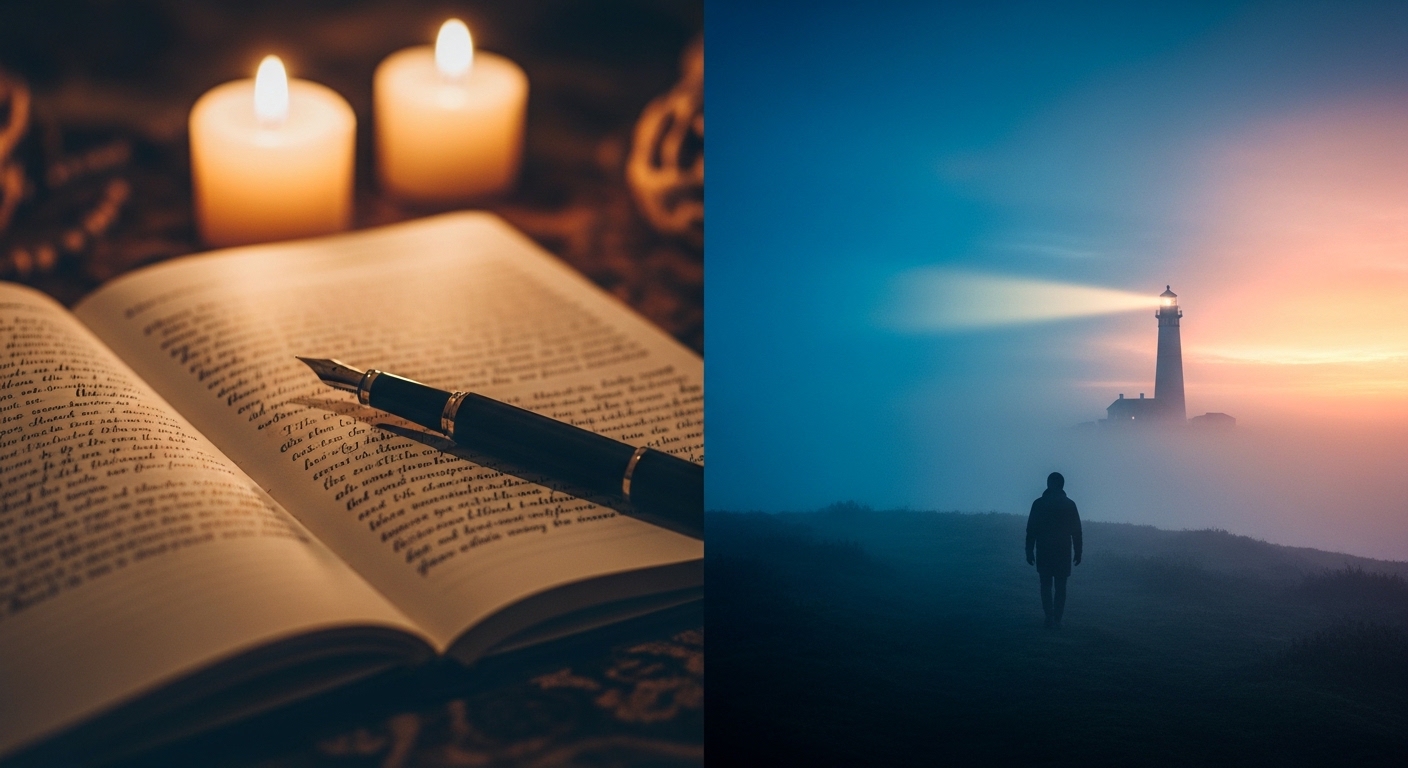
The right scene feels like it already exists as a film — your job is to describe it clearly enough that someone else can see it too.
Step 2: Write Your Scene Description
You don't need to reformat your prose into a screenplay. A short paragraph describing what happens is enough. Focus on:
- Who is in the scene
- Where it takes place
- What is happening physically (movement, action)
- What the emotional tone is
For example, instead of submitting three pages of prose, you might write: "A retired astronaut stands on the roof of his apartment building at night, looking up at the stars. He's holding a glass of whisky. The city lights below him feel distant. He used to be up there. Now he's just watching."
That's four sentences. It has a character, a setting, an action, and an emotional weight. That's everything you need.
Step 3: Let the Tool Ask Questions
Generic AI video prompts produce generic results. The difference between an interesting short film clip and a forgettable stock-footage moment is specificity — and specificity comes from knowing what you actually want.
Plotfire Pro uses a short follow-up question phase to extract that specificity. After you submit your scene, it asks up to four questions:
- What is the visual tone or cinematic style? (gritty realism, dreamy, high contrast, golden hour)
- What is the emotional register? (melancholy, tense, hopeful, surreal)
- What does the camera do? (static, slow push, handheld)
- Any specific visual details to include or avoid?
You don't need to answer in film-school language. "Like a Terrence Malick film" or "dark and overcast, like a rainy afternoon" is completely sufficient. The system translates your creative intent into generation language.
Step 4: Generate and Review
Once you submit your answers, generation runs in the background. Plotfire Pro delivers the resulting one-minute clip to your dashboard when it's ready — typically within a few minutes.
What you receive is a complete video clip: not a slideshow, not a series of disconnected images, but a continuous moving sequence. Watch it once all the way through before judging.
AI video generation is not perfectly deterministic. A scene with a strong prompt will usually produce a compelling result, but there is inherent variation. If the first result doesn't capture what you had in mind, adjust the specific elements that felt off — the tone, the setting detail, the pacing description — and regenerate.
Step 5: What to Do with the Output
A generated video clip can serve several purposes for a writer:
- Creative validation.Seeing a scene rendered visually often reveals whether it works. If the video feels flat, the scene might need more sensory detail in the prose. If it's more interesting than you expected, you might be underwriting it on the page.
- Pitch material. A one-minute film clip is a powerful addition to a book pitch, a screenplay treatment, or a creative proposal. It shows, rather than tells, what your story feels like.
- Social content. Share a scene from your story as a teaser — for readers, for agents, for a newsletter audience.
- Personal reference. Some writers generate visual references for their own use — to hold the mood of a scene while writing the rest of the chapter.
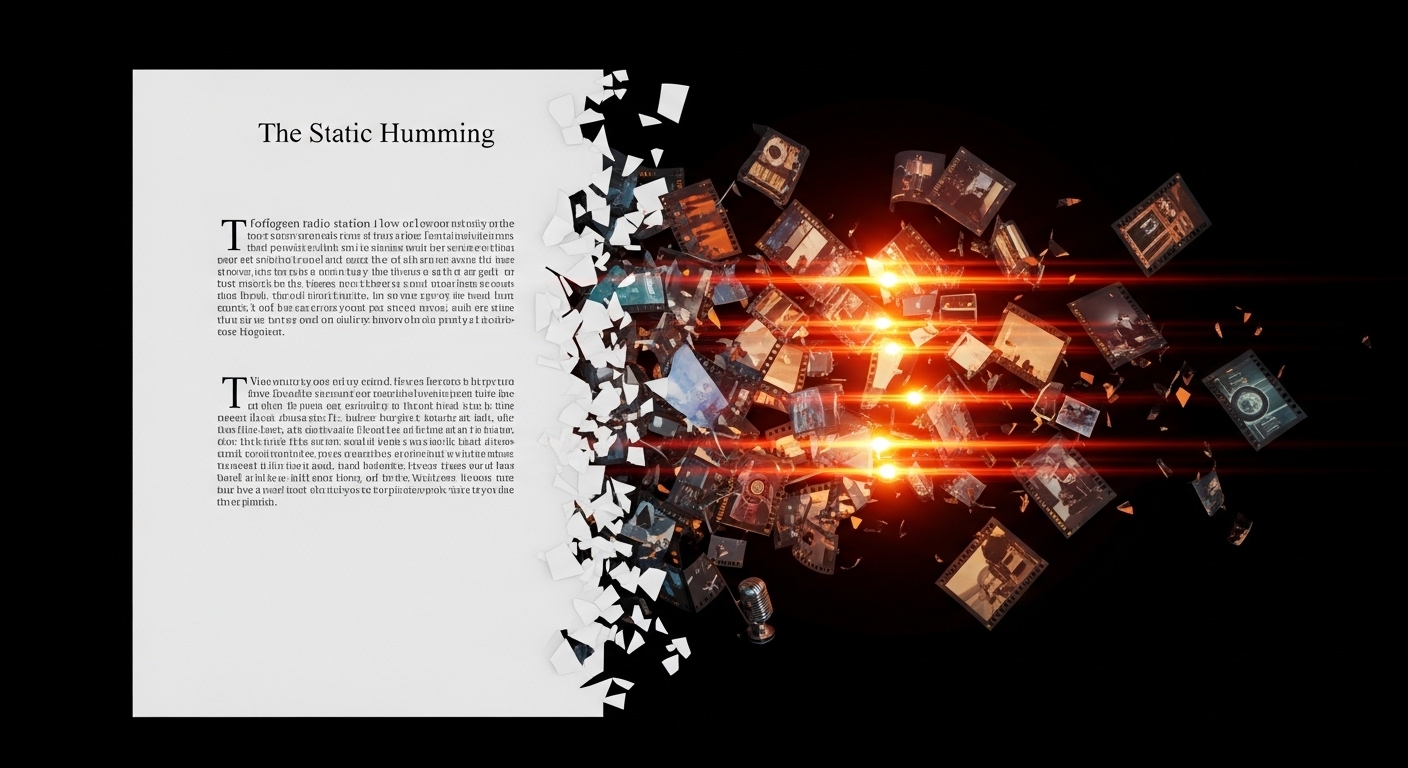
Your story already exists as moving images — the right tool just makes that visible.
Tips for Better Results
- Shorter scenes generate better. A tight, focused two-minute scene will produce a better video than a sprawling five-minute sequence. The model has more room to be consistent when the frame is narrow.
- Lead with the visual.Even in narrative prose, the visual action should be front and center in your scene description. Internal monologue doesn't translate to video; physical action does.
- Name the tone, not just the plot."Lonely and cinematic" gives the model more useful information than a plot summary of the character's backstory.
- Iterate. Your first generation is the start of a creative conversation, not the final answer. Adjust one variable at a time to understand how it changes the output.
The Barrier Is Gone
Turning a written story into a short film used to require years of technical training and access to expensive equipment. That barrier is gone. What you need now is a story worth telling — and you already have that.
The question is no longer whether you can make a film from your story. It's which scene you want to see first.
Start with your first scene
Write a paragraph, answer a few questions, and see your story on screen in minutes. Create your story →